
How to get started
Steps to create and set up a portfolio.
Quick registration
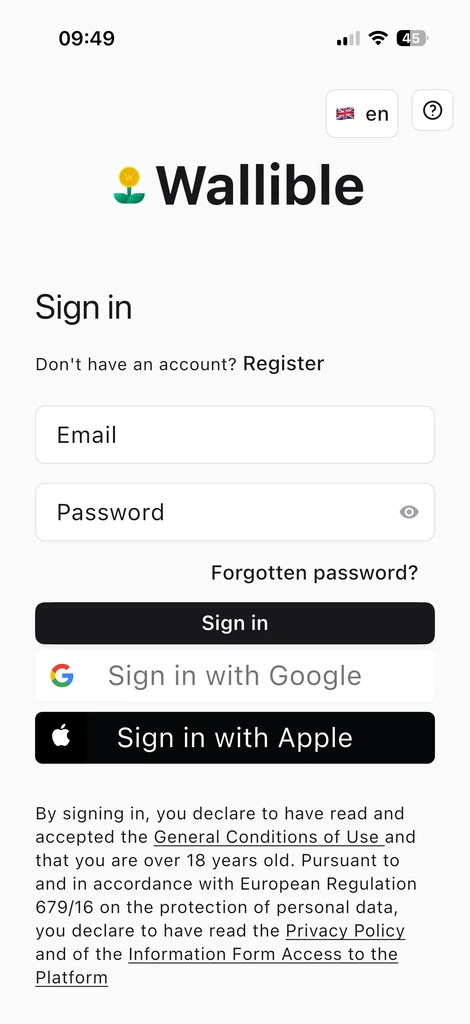
Registering is quick and easy via the registration form, with access also via Google or Apple.
Create your portfolio
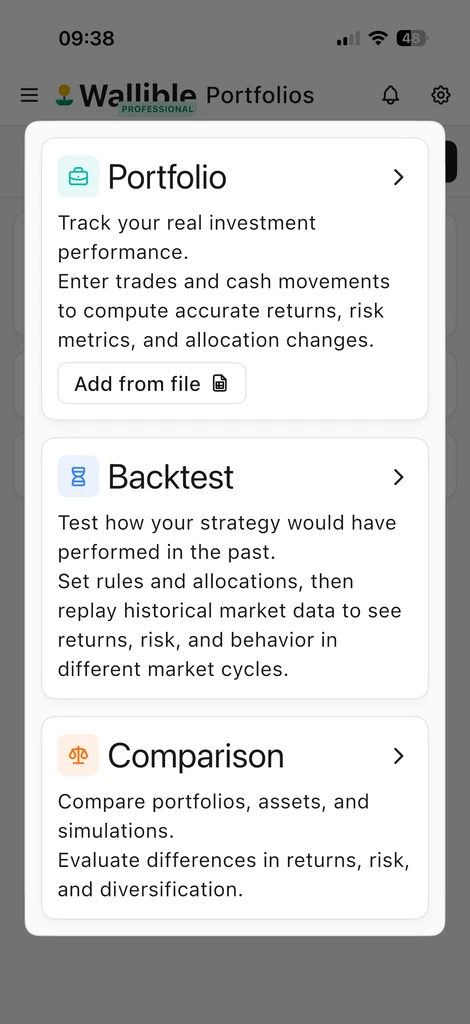
After registration you can create your portfolios and start monitoring them.
Add transactions
You can upload transactions automatically from CSV files or enter them manually:
- Load transactions and account operations from csv file
- Load Transactions and Account Operations Manually
Portfolio management
Once created, you can edit your transactions or deposit/withdrawal operations, copy the portfolio and/or delete it.
App settings
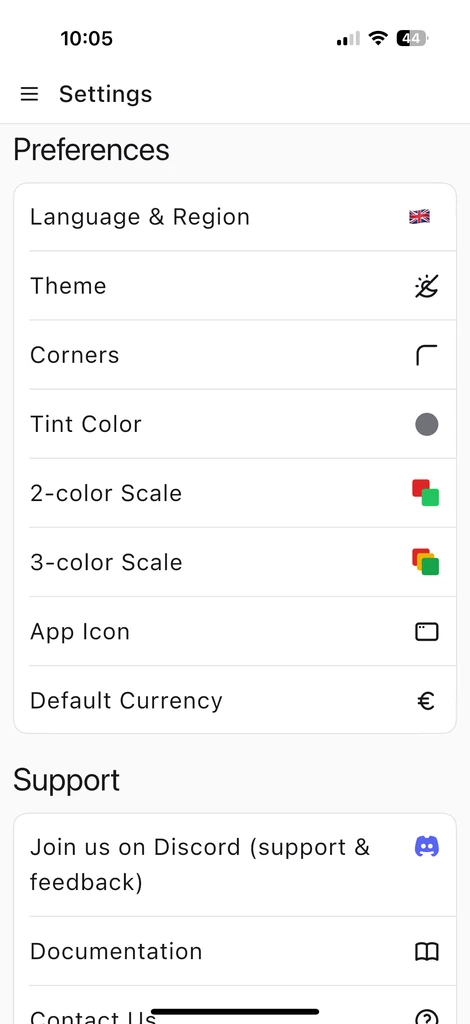
You can change your mobile or desktop app settings from the Settings section. On this screen you will find preferences such as language and region, theme, corners, colors, app icon, default currency and support links (Discord, documentation, contacts).
Ready to get started? Register for free and create your first portfolio in minutes.
Sign up for freeLoad transactions and account operations from csv files
In this section we will look at how to upload market transactions and account operations via CSV file to your Wallible dashboard.
Load transactions and account operations manually
Step-by-step guide to manually enter trades and cash movements in Wallible.
Portfolio liquidity management
When to use Account Operations and how they affect NAV and cash.