
Load transactions and account operations manually
Step-by-step guide to manually enter trades and cash movements in Wallible.
Intro
This page explains how to manually enter a market transaction or account operation (deposit/withdrawal) from the Wallible dashboard.
Enter a market transaction
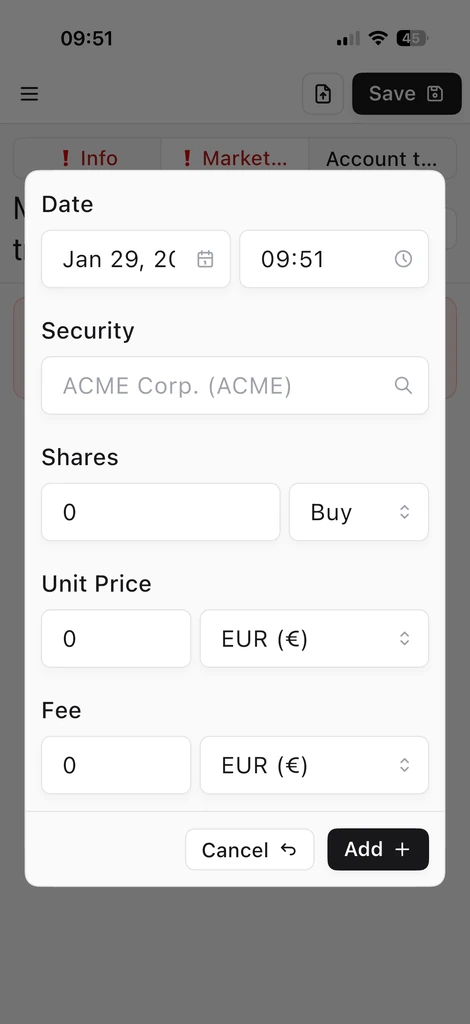
To register a purchase or sale, fill in the main fields of the transaction:
- Title purchased or sold.
- Date of the operation.
- Quantity (shares) purchased or sold.
- Unit price.
- Purchase currency.
- Commissions paid.
Automatic liquidity management
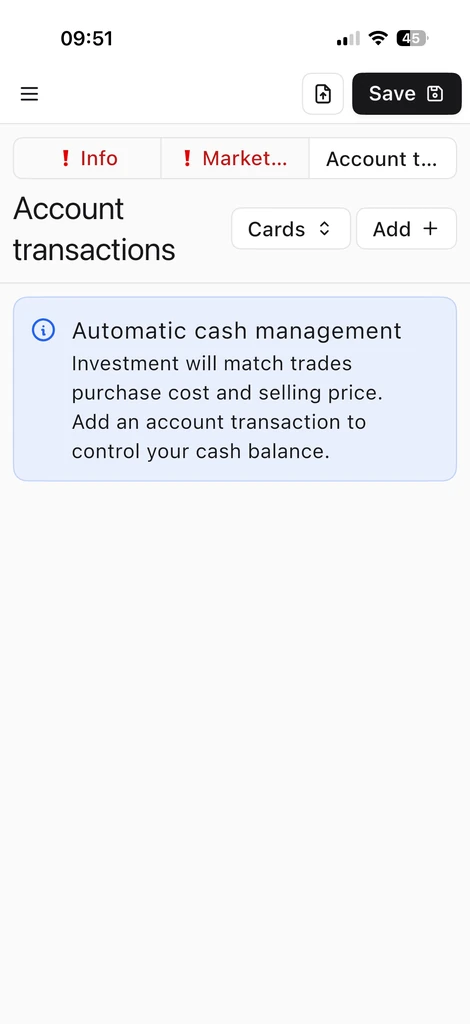
If you do not enter deposits or withdrawals, Wallible automatically manages your liquidity: the investment corresponds to the purchase cost and the selling price of the market transaction. For further information, see Portfolio Liquidity Management .
Enter deposits or withdrawals
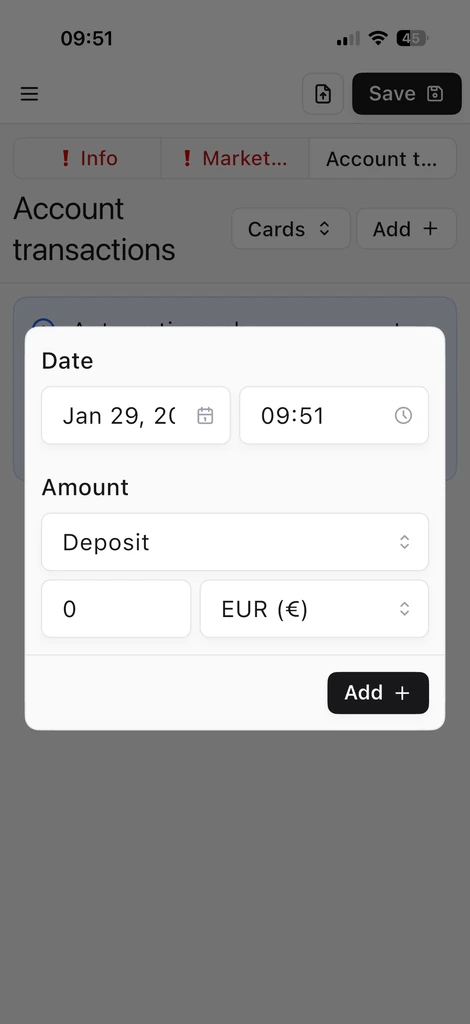
If you want to track cash explicitly, enter a deposit or withdrawal indicating the amount and currency.
Automatic loading from CSV
Alternatively, you can automatically upload transactions and account operations via CSV file. See Load transactions and account operations from csv files .